个人博客搭建
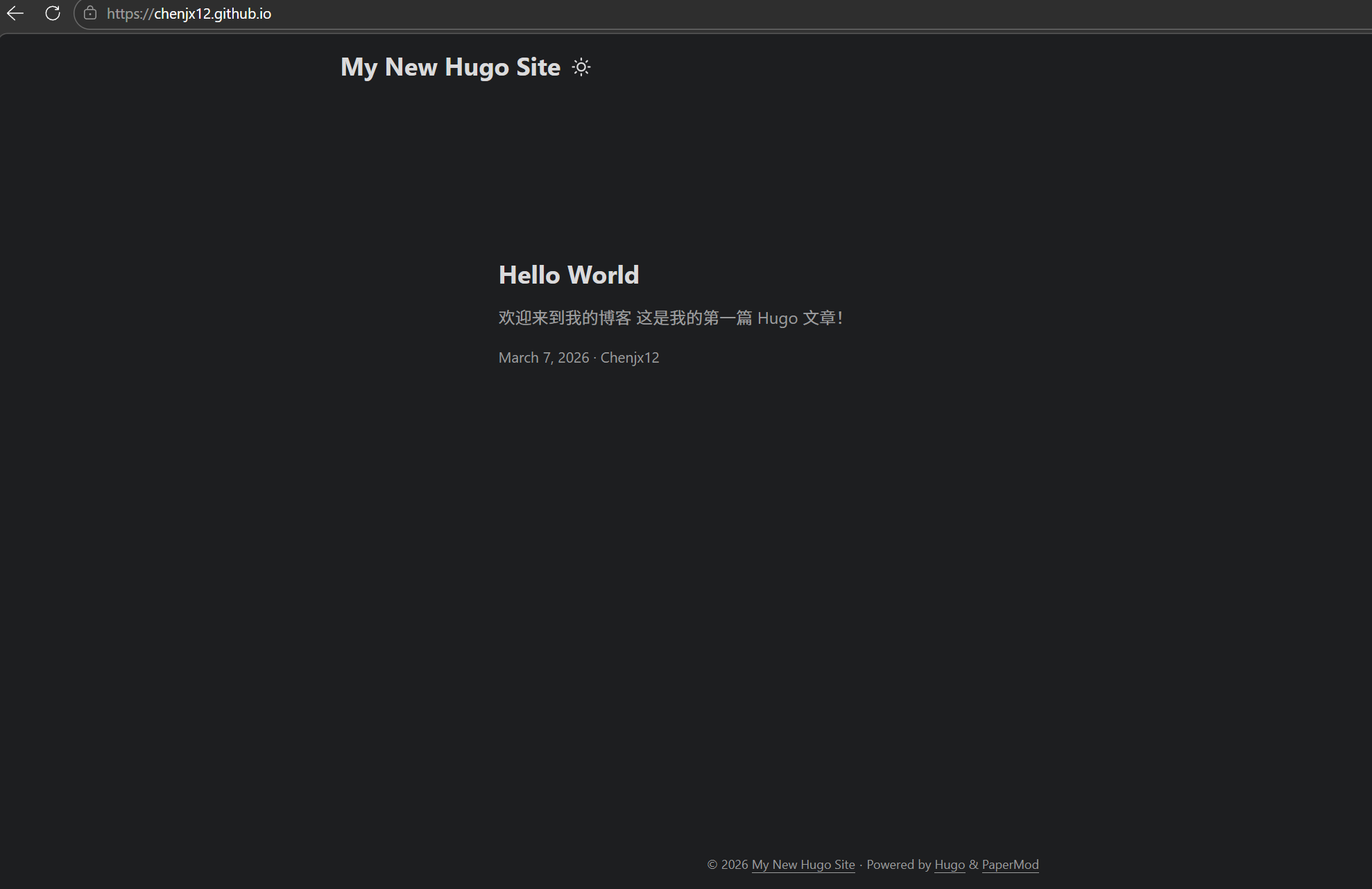
个人博客搭建 hugo + GitHub Pages/云服务器 以下仅为个人搭建记录,仅供参考 本来是写在微信公众号上的,后门租了服务器就整服务器上了,结果没注意服务器到期了……遂重新开到GitHub Pages上 本地hugo 先在Windows主机上创建一个文件夹用于放hugo 打开powershell winget install Hugo.Hugo.Extended 如是,hugo安装完成,下一步初始化 hugo new site . --force GitHub仓库-hugo源码 在GitHub上创建一个私有仓库,用于存放hugo源码以及文章草稿 copy这玩意在本地git关联 同步关联 本地初始化git,并且关联到github仓库 well,可以看到仓库中已经有推送的了 主题添加 会发现少了很多目录,这是因为git不推空目录,给hugo添加一下主题和第一篇文章,让git能把所有目录都推上去 git submodule add --depth=1 https://github.com/adityatelange/hugo-PaperMod.git themes/PaperMod echo "theme = 'PaperMod'" >> hugo.toml git add . git commit -m "Add PaperMod theme and config" git push 文章添加 再给自己一个hello world: 在content目录下新建/post/hello-world.md --- title: "Hello World" date: 2026-03-07T22:00:00+08:00 draft: false tags: ["hugo", "博客"] categories: ["技术"] --- ## 欢迎来到我的博客 这是我的第一篇 Hugo 文章! 然后让hugo帮我们处理一下: ...